Hue Browser
Manage your Philips Hue lights from one dashboard.
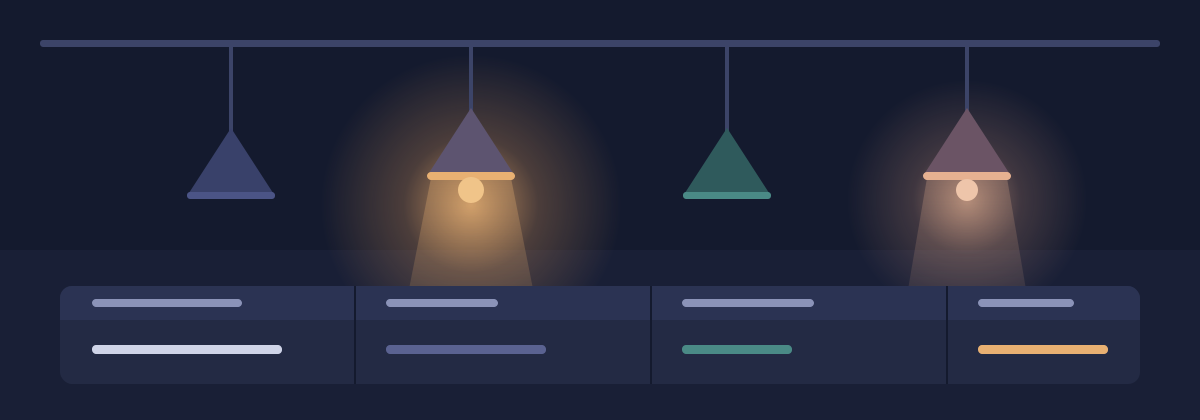
Hue Browser is an app that helps you organize the Philips Hue lights in your home. It shows every light you own in one list, so you can give lights clear names, sort them into the right rooms, and check that each one is where you think it is.
You run Hue Browser on your own computer or home server. It talks to your Philips Hue bridges over your home network, and your information stays in your home.
What you can do
Hue Browser focuses on keeping your lights organized rather than setting scenes or moods.
- See every light across all of your Philips Hue bridges in one place
- Rename lights, one at a time or many at once
- Move lights into the correct rooms
- Filter and group lights by room and by type
- Flash or switch a light to confirm which fixture you are looking at
What you need
You need a few things before you start.
- A Philips Hue bridge connected to your home network
- A computer on that same network that can run Docker
- The button on top of your Philips Hue bridge, which you press once to grant access
Get started
Read the installation guide to run the app, then connect a bridge and browse your devices. Editing and testing lights are still being built.
Appearance
Hue Browser and these docs follow your device’s light or dark setting until you choose a theme with the button in the header. Your choice is remembered in this browser.